
Migrate from Tessie To Teslamate
3 steps to migrate all your Tessie data to Teslamate
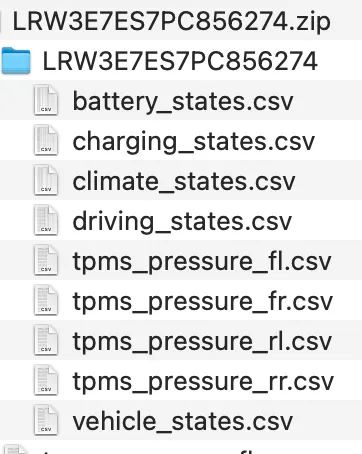
- Export Tessie data from this page on your desktop.
- All of your data will be compiled and compressed and Tessie will email you a link to download it.
- This dataset will take time to generate and will be extremely large.
- Import your Tessie export on this page
- We’ll compile CSV files in a format compatible with the existing Teslmate import
- You can directly use the Tessie export file.
- Once the file is downloaded, follow this procedure to import it to your Teslamate
- Make a backup of your data before starting the import of the downloaded file.
- All imports are deleted every day
In all transparency, you can consult here the query which allows to create the compatible CSV by clicking here.